Fleet Trailer Wraps: Keeping Multiple Trailers Consistent
Quick answer Consistency across a trailer fleet comes from planning, not luck. Start with one master design, adapt it into a template for each trailer size, lock in your brand colors, and keep the print files on record. That lets you wrap trailers in phases, add new ones years later, and still have every unit look like it belongs together.
Why Trailer Fleets Drift Out of Sync
Most trailer fleets aren’t wrapped all at once. A business wraps one trailer, buys another a year later, picks up a used one, then adds a bigger unit for a new contract. If each trailer is designed on its own, the fleet slowly drifts. Logos end up in different places, the blue on one trailer doesn’t match the blue on the next, and an old phone number lives on in the back of the yard.
A unified fleet reinforces your brand and presents a more professional image wherever your team works. When three of your trailers pull into a job site looking like they came from the same company, customers notice. When they don’t, customers notice that, too.
So how do you keep trailers consistent when they’re different sizes, ages and models?
Start With a Master Design
The first trailer you wrap should be designed with the whole fleet in mind. That means deciding early what has to be on every trailer, what can change and where each element lives. A good master design sets four things.
The Core Message
Logo, what you do, phone number and website, in the same order every time.
The Color Palette
Your exact brand colors, chosen so they print the same on every run.
Placement Rules for Each Side
Where the logo sits on the side, what goes on the rear door and what goes on the nose.
Room for Differences
A spot for unit numbers, DOT numbers if required, or a division name.
Once those rules exist, every future trailer becomes a variation on a known design instead of a fresh project. Our article on The Vehicle Wrap Design Process explains how a design moves from concept to proof.
One Template for Each Trailer Size
A design that looks great on an 8.5×24 doesn’t simply shrink onto a 6×12. The proportions change, side doors land in different places and the nose may be flat or V-shaped. Rather than stretching one file to fit, we build a template for each trailer size in your fleet. The logo stays the same size relationship to the side, the phone number stays readable and the overall look stays the same.
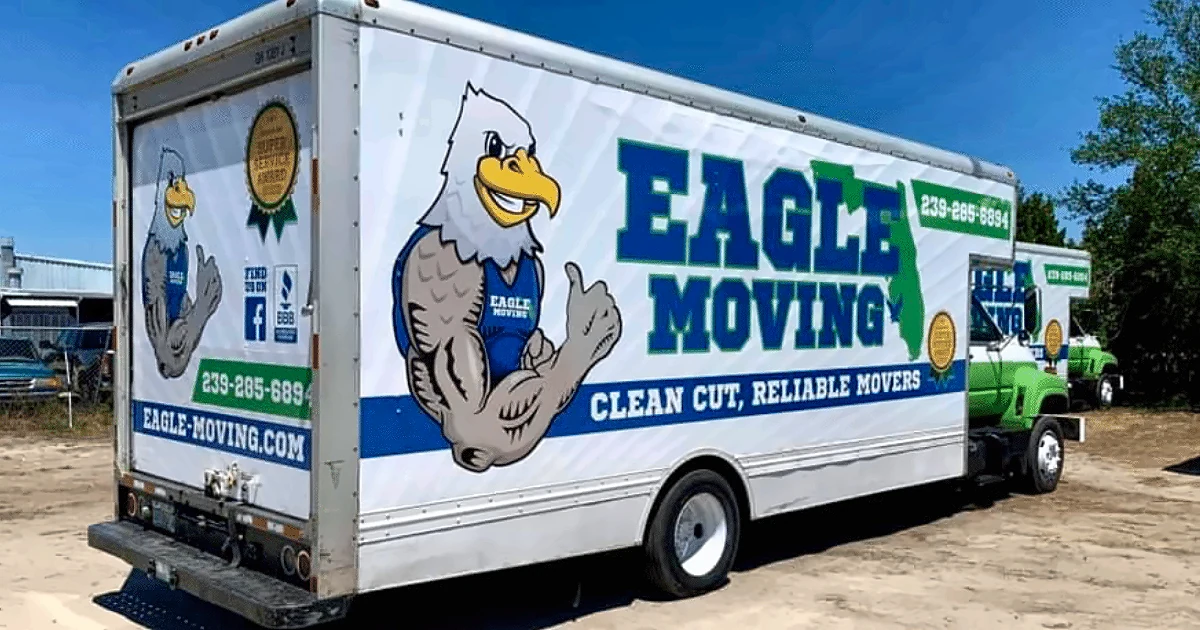
This is the same thinking that keeps mixed vehicle fleets looking unified. On the Bull Moving box trucks in our portfolio, one truck has a green cab and another a white cab, yet the box graphics carry the same logo, mascot, phone number and tagline band, so both read as the same company at a glance. The same idea works across trailers of different sizes. For trailer dimensions, see Trailer Wrap Sizes and Coverage.
Matching Color Across Print Runs
Color is where fleets most often fall apart. A brand blue printed this year and the same blue printed two years from now can look different if the files, film or settings change. Sun exposure also fades older wraps over time, so a brand new trailer parked next to a well used one will never be a perfect twin.
The fix is to define your colors precisely at the start and keep the same print files and materials on record. When a new trailer joins the fleet, we print from the same master files. And when an older wrap starts to fade noticeably, that’s a sign it may be time to refresh it so it doesn’t drag the rest of the fleet down. Our article on How Long Does a Vehicle Wrap Last? covers what affects fading.
Phased Rollouts and Downtime
Most businesses can’t park every trailer at once. A phased rollout wraps trailers in groups that fit your schedule, often starting with the trailers seen most by customers. Because the design and templates are already approved, each phase is mostly printing and installation.
We’ll talk timing at your quote. If you’re wrapping multiple trailers, tell us how many you can spare at a time and we’ll build a schedule that keeps your crews working while the fleet gets wrapped.
Adding Trailers and Updating Information
Fleets change. You’ll add trailers, retire old ones and occasionally change a phone number or service list. With a fleet system in place, a new trailer can be quoted, printed and installed to match without starting over. A change to your information can often be handled by replacing a single panel rather than the whole wrap.
Whether you have two trailers or fifty, consistency is what turns separate trailers into a fleet that looks like one company. And many businesses that start with trailers end up applying the same system to their trucks and vans, which our Commercial Fleet Wraps guide covers in full.
Frequently Asked Questions
Planning to Wrap More Than One Trailer?
Tell us how many trailers you have, their sizes and how many you can spare at a time. We'll put together a plan that keeps every trailer on brand.
The Vehicle Wrap Design Process: From Concept to Installation
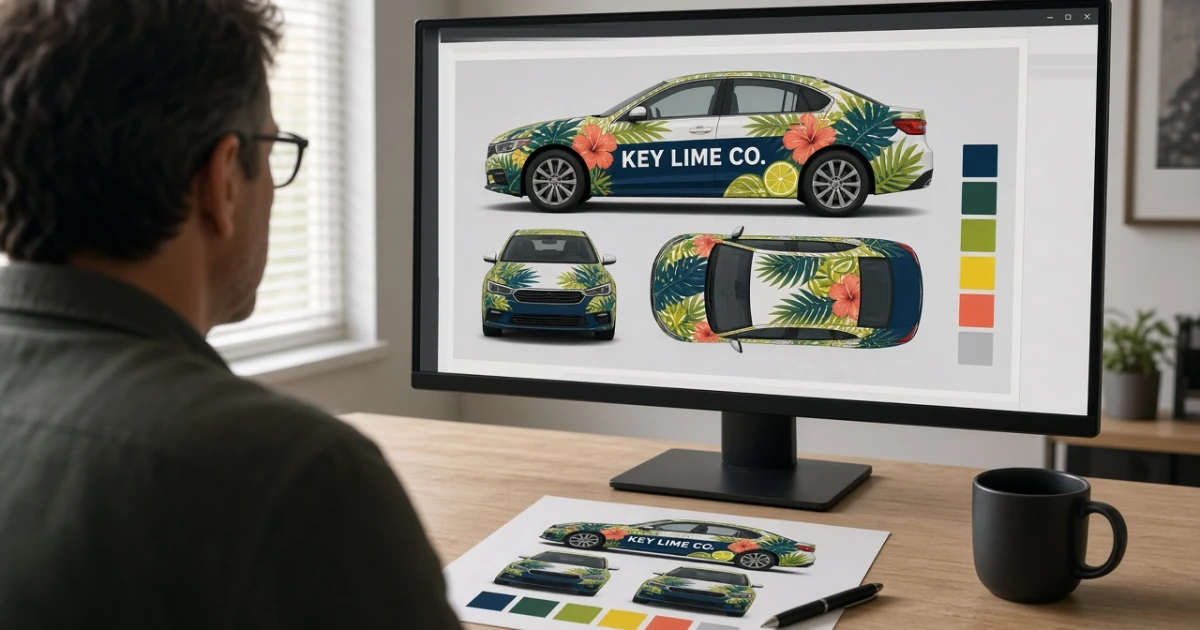
A wrap design starts with learning about your business, not with artwork. Our design team gathers your logo and ideas, builds a design around your actual vehicle, and sends a digital proof showing how it will look. You review it, we refine it until you're happy, and only then does it go to print and installation.
Trailer Wrap Sizes and Coverage: What Businesses Should Know
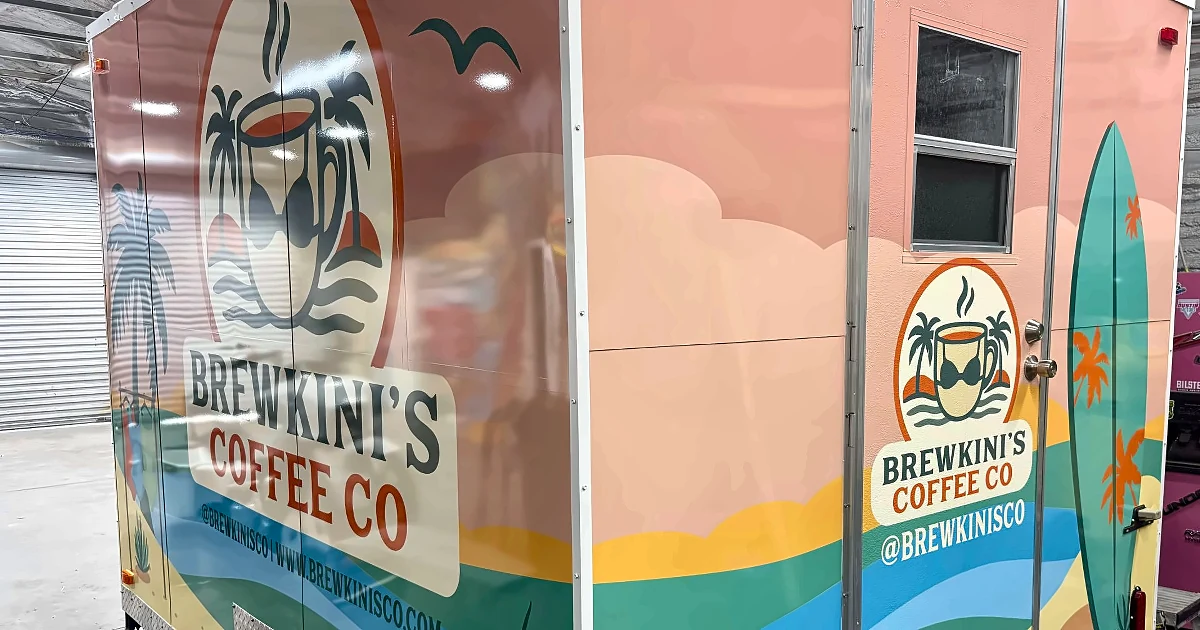
We regularly wrap enclosed trailers from 5x8 up to 8.5x24, plus custom sizes. Size sets how much surface there is to cover, but coverage decides how much of it gets printed: a full wrap, a partial wrap or vinyl lettering. Doors, nose shape, fenders and vents also change the plan. A few photos usually tell us everything.
Commercial Fleet Wraps: What to Know Before Wrapping Multiple Vehicles
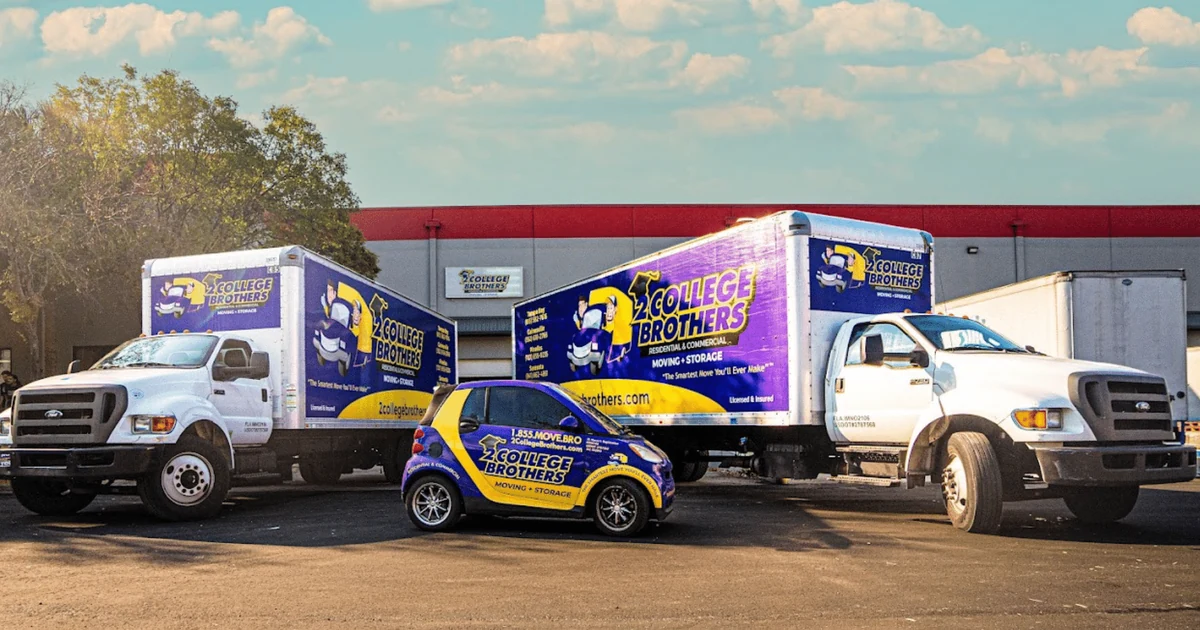
Yes, your trucks, vans and trailers can all look like one brand, even when they're different makes, sizes and colors. The key is planning: one set of brand rules, a design template for each vehicle type, consistent colors and coverage levels, and a rollout schedule that keeps your crews working. Good records make adding vehicles later simple.